import pygame
import sys

# Initialize Pygame and Pygame mixer
pygame.init()
pygame.mixer.init()

# Constants
WIDTH, HEIGHT = 800, 600
WHITE = (255, 255, 255)
GREEN = (0, 255, 0)
DARK_GREEN = (0, 200, 0)
BLACK = (0, 0, 0)
PAPER_IMG_PATH = "egg_toss.png"  # Path to the paper ball image
TRASH_CAN_IMG_PATH = "hungry_lizard_4.png"  # Path to the trash can image
BACKGROUND_IMG_PATH = "sewer_jungle.jpg"  # Path to the background image
SPLAT_IMG_PATH = "splat.png"  # Path to the splat image
SOUNDS = ["score3.mp3", "score2.mp3", "score1.mp3"]  # Paths to sound files
FONT_PATH = "ARCADECLASSIC.ttf"  # Path to your custom font file
FONT_SIZE = 30

# Set up display
window = pygame.display.set_mode((WIDTH, HEIGHT))
pygame.display.set_caption("Paper Toss")

# Load images
try:
    paper_ball = pygame.image.load(PAPER_IMG_PATH)
    trash_can_img = pygame.image.load(TRASH_CAN_IMG_PATH)
    background = pygame.image.load(BACKGROUND_IMG_PATH)
    splat_img = pygame.image.load(SPLAT_IMG_PATH)
except pygame.error as e:
    print(f"Unable to load image: {e}")
    pygame.quit()
    sys.exit()

# Resize images to 0.13 of their original size
scale_factor = 0.13
paper_ball = pygame.transform.scale(paper_ball, (int(paper_ball.get_width() * scale_factor), int(paper_ball.get_height() * scale_factor)))
splat_img = pygame.transform.scale(splat_img, (int(paper_ball.get_width()), int(paper_ball.get_height())))
background = pygame.transform.scale(background, (WIDTH, HEIGHT))

# Load sounds
try:
    score_sounds = [pygame.mixer.Sound(sound) for sound in SOUNDS]
except pygame.error as e:
    print(f"Unable to load sound: {e}")
    pygame.quit()
    sys.exit()

# Define the dimensions and position of the text box
text_box_padding = 10
text_box_width = 150
text_box_height = FONT_SIZE + 2 * text_box_padding
text_box_x = 10
text_box_y = 70

# Trash can settings
trash_can_scale = 0.25  # One-fourth of its original size
trash_can_size = (150 * trash_can_scale, 150 * trash_can_scale)
trash_can = pygame.transform.scale(trash_can_img, trash_can_size)

# Paper ball settings
paper_rect = paper_ball.get_rect()
paper_rect.topleft = (WIDTH // 2, HEIGHT - 75)
dragging = False
splat = False
splat_time = 0  # Time when the splat occurred
splat_pos = None  # Position of the splat

# Trash can positions
trash_can_positions = [
    (WIDTH - 110 + 15, HEIGHT - 230),  # Bottom right
    (WIDTH // 2 + 130, 100 + 70),      # Top middle
    (100, HEIGHT // 2)                 # Middle left
]

# Create trash can rects
trash_cans = [trash_can.get_rect(center=pos) for pos in trash_can_positions]

# Points associated with each trash can
points = [1, 5, 2]

# Initialize score
score = 0

# Physics variables
velocity = pygame.math.Vector2(0, 0)
gravity = 0.5
drag_coefficient = 0.1  # Adjust drag sensitivity

# Scoring
scored = False
scoring_range = 20  # Pixels within which the paper ball must be to the trash can to score

# Define the invisible horizontal threshold
threshold_y = HEIGHT // 4

# Font for displaying the score
font_size = 22
font = pygame.font.Font(FONT_PATH, font_size)  # Use your custom font

# Main game loop
running = True
while running:
    for event in pygame.event.get():
        if event.type == pygame.QUIT:
            running = False

        # Handle dragging mechanics
        elif event.type == pygame.MOUSEBUTTONDOWN:
            if paper_rect.collidepoint(event.pos):
                dragging = True
                mouse_x, mouse_y = event.pos
                offset_x = paper_rect.x - mouse_x
                offset_y = paper_rect.y - mouse_y
                start_pos = pygame.math.Vector2(mouse_x, mouse_y)
                scored = False  # Reset scoring status
                splat = False  # Reset splat status

        elif event.type == pygame.MOUSEBUTTONUP:
            if dragging:
                dragging = False
                mouse_x, mouse_y = event.pos
                end_pos = pygame.math.Vector2(mouse_x, mouse_y)
                drag_vector = end_pos - start_pos
                velocity = drag_vector * drag_coefficient

                # Debugging: Print positions and velocity
                print(f"Paper Ball Position: {paper_rect.topleft}, Velocity: {velocity}")

        elif event.type == pygame.MOUSEMOTION:
            if dragging:
                mouse_x, mouse_y = event.pos
                new_x = mouse_x + offset_x
                new_y = mouse_y + offset_y

                # Adjust the paper ball position
                paper_rect.x = new_x
                paper_rect.y = new_y

                # Ensure the paper ball cannot be dragged above the threshold
                if paper_rect.top < threshold_y:
                    paper_rect.top = threshold_y

    # Update physics
    if not dragging and not splat:
        # Apply gravity
        velocity.y += gravity

        # Update paper ball's position
        paper_rect.x += int(velocity.x)
        paper_rect.y += int(velocity.y)

        # Collision with floor
        if paper_rect.bottom > HEIGHT:
            paper_rect.bottom = HEIGHT
            velocity.y *= -0.5  # Bounce effect

        # Collision with walls or ceiling
        if paper_rect.left < 0 or paper_rect.right > WIDTH or paper_rect.top < 0:
            # Show splat image for a brief moment
            splat = True
            splat_time = pygame.time.get_ticks()  # Record the time of splat
            splat_pos = paper_rect.topleft  # Store the position of the splat

            # Reset paper ball position and velocity
            paper_rect.topleft = (WIDTH // 2, HEIGHT - 75)
            velocity = pygame.math.Vector2(0, 0)

        # Ensure the paper ball stays within the bounds of the screen
        if paper_rect.top < 0:
            paper_rect.top = 0
            velocity.y *= -0.5  # Bounce effect

        # Check scoring conditions
        for idx, trash_rect in enumerate(trash_cans):
            if trash_rect.colliderect(paper_rect) and velocity.y > 0:
                if (paper_rect.centerx > trash_rect.left and
                    paper_rect.centerx < trash_rect.right and
                    paper_rect.bottom >= trash_rect.top - scoring_range):
                    print("Score!")
                    scored = True
                    # Update score based on which trash can was hit
                    score += points[idx]
                    # Play corresponding score sound
                    score_sounds[idx].play()
                    # Reset paper ball position
                    paper_rect.topleft = (WIDTH // 2, HEIGHT - 75)
                    velocity = pygame.math.Vector2(0, 0)
                    break  # Exit the loop if scored

    # Draw everything
    window.blit(background, (0, 0))  # Draw background
    for trash_rect in trash_cans:
        window.blit(trash_can, trash_rect)

    if splat and pygame.time.get_ticks() - splat_time < 500:
        window.blit(splat_img, splat_pos)
    else:
        splat = False
        window.blit(paper_ball, paper_rect)

    # Draw the score
    score_text = font.render(f"Score {score}", True, GREEN)
    text_box_rect = pygame.Rect(10, 70, text_box_width, text_box_height)

    # Draw the filled text box (darker green)
    pygame.draw.rect(window, DARK_GREEN, text_box_rect)

    # Draw the text on top of the filled box
    window.blit(score_text, (10 + text_box_padding, 70 + text_box_padding))  # Adjust position for padding

    pygame.display.flip()
    pygame.time.Clock().tick(60)

pygame.quit()
Welcome to….
The Trench
Navigating life’s intricate fabric, choices unfold paths to the extraordinary, demanding creativity, curiosity, and courage for a truly fulfilling journey. Also, remember you can Doritos Flavor Blast your life for an extra $0.99.
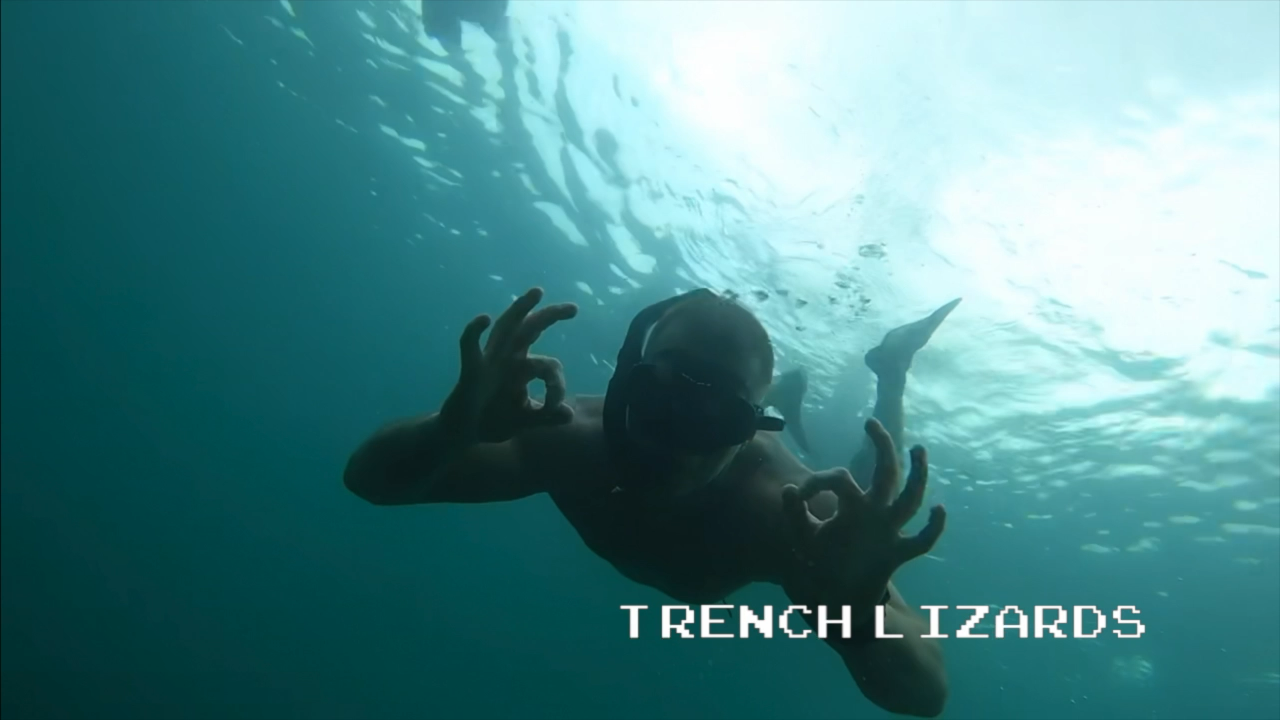
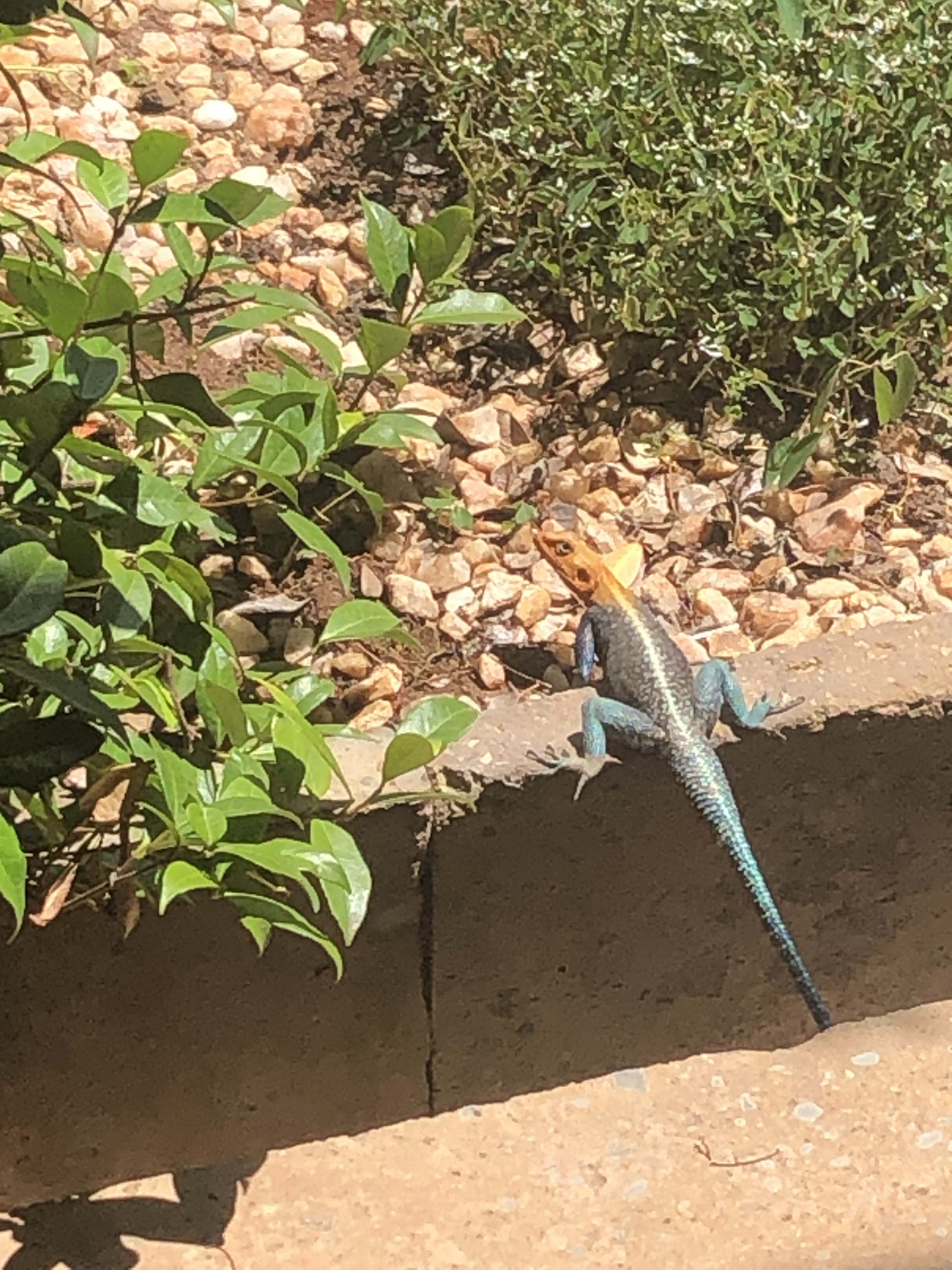
There are lizards walking amongst us…
It’s time to start Trenchwalking.


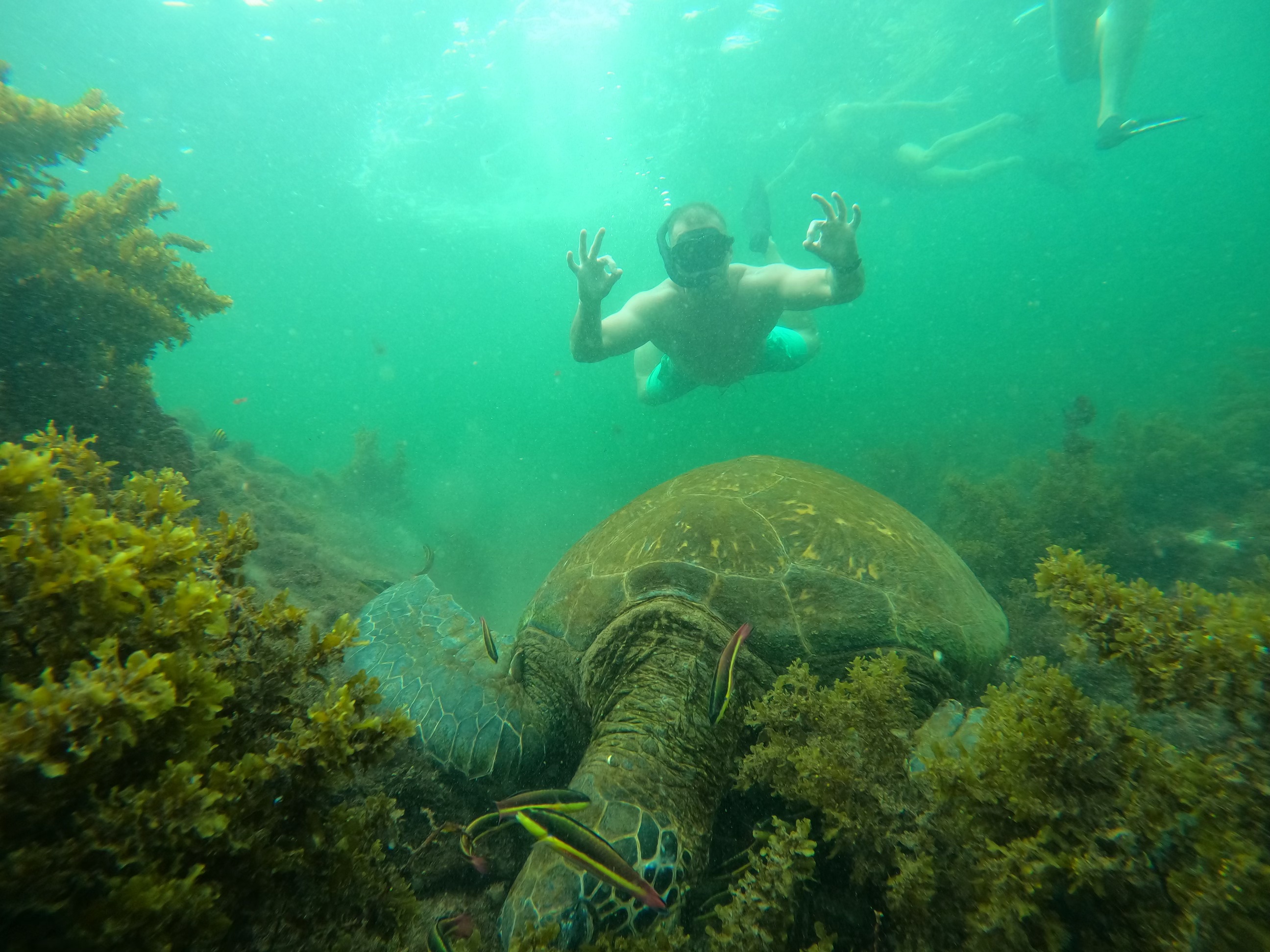
 Lizards Unite